More FPS. Less Input Delay.
Tuned For Your PC.
Nos Tweaks manually tunes Windows, BIOS, drivers, startup, network, and game settings around your exact hardware. Every live session finishes with performance and stability validation.
GAME PERFORMANCE RESULTS
Performance reference data for Fortnite, Valorant, and Call of Duty. Hardware, resolution, settings, game version, drivers, temperatures, and test conditions can significantly affect the results.
Fortnite
TUNED REFERENCEPC Hardware Specs
AMD Ryzen 9 9950X3D + RTX 5090
Resolution & Preset
2560×1440 • Preset: Low
Stock FPS
725
Tuned FPS
1068
1% Lows
NOT PROVIDED
Benchmark Method
NOT PROVIDED
Reference Note
A third-party Fortnite reference comparing reported stock and tuned performance on a Ryzen 9 9950X3D and RTX 5090 at 1440p Low settings. This was not tested or verified by Nos Tweaks.
Valorant
TUNED REFERENCEPC Hardware Specs
Ryzen 7 9800X3D + RTX 5080
Resolution & Preset
1920×1080 • Preset: Competitive
Stock FPS
778
Tuned FPS
1084
1% Lows
NOT PROVIDED
Benchmark Method
NOT PROVIDED
Reference Note
A third-party Valorant reference comparing reported stock and tuned performance on a Ryzen 7 9800X3D and RTX 5080 at 1080p Competitive settings. This was not tested or verified by Nos Tweaks.
CALL OF DUTY — TITLE NOT CONFIRMED
TUNED REFERENCEPC Hardware Specs
Ryzen 9 9950X3D + RTX 5090
Resolution & Preset
2560×1440 • Preset: NOT PROVIDED
Stock FPS
360
Tuned FPS
420
1% Lows
NOT PROVIDED
Benchmark Method
NOT PROVIDED
Reference Note
A third-party Call of Duty reference comparing reported stock and tuned performance on a Ryzen 9 9950X3D and RTX 5090 at 1440p. The graphics preset and complete testing methodology were not supplied. This was not tested or verified by Nos Tweaks.
Want to discover what may be limiting your PC?
Explore tailored optimization sessions designed for your exact system and titles.
Disclaimer: These figures are third-party reference data and are not Nos Tweaks benchmarks. Results vary based on hardware, game version, drivers, resolution, graphics settings, temperatures, background software, and the system's condition before optimization. Nos Tweaks does not guarantee a fixed FPS increase. Results will only be labeled as verified Nos Tweaks tests after original evidence and complete testing details are available.
Built For
Competitive Gamers.
Competitive FPS Players
You play Valorant, Fortnite, or Call of Duty and want smoother frames, less input delay, and fewer stutters when it counts.
Underperforming PCs
Good specs on paper but your PC still feels slow, choppy, or worse than similar builds online.
BIOS + CPU Tuning
We check PBO, boost limits, thermals, power settings, and stability before pushing anything further.
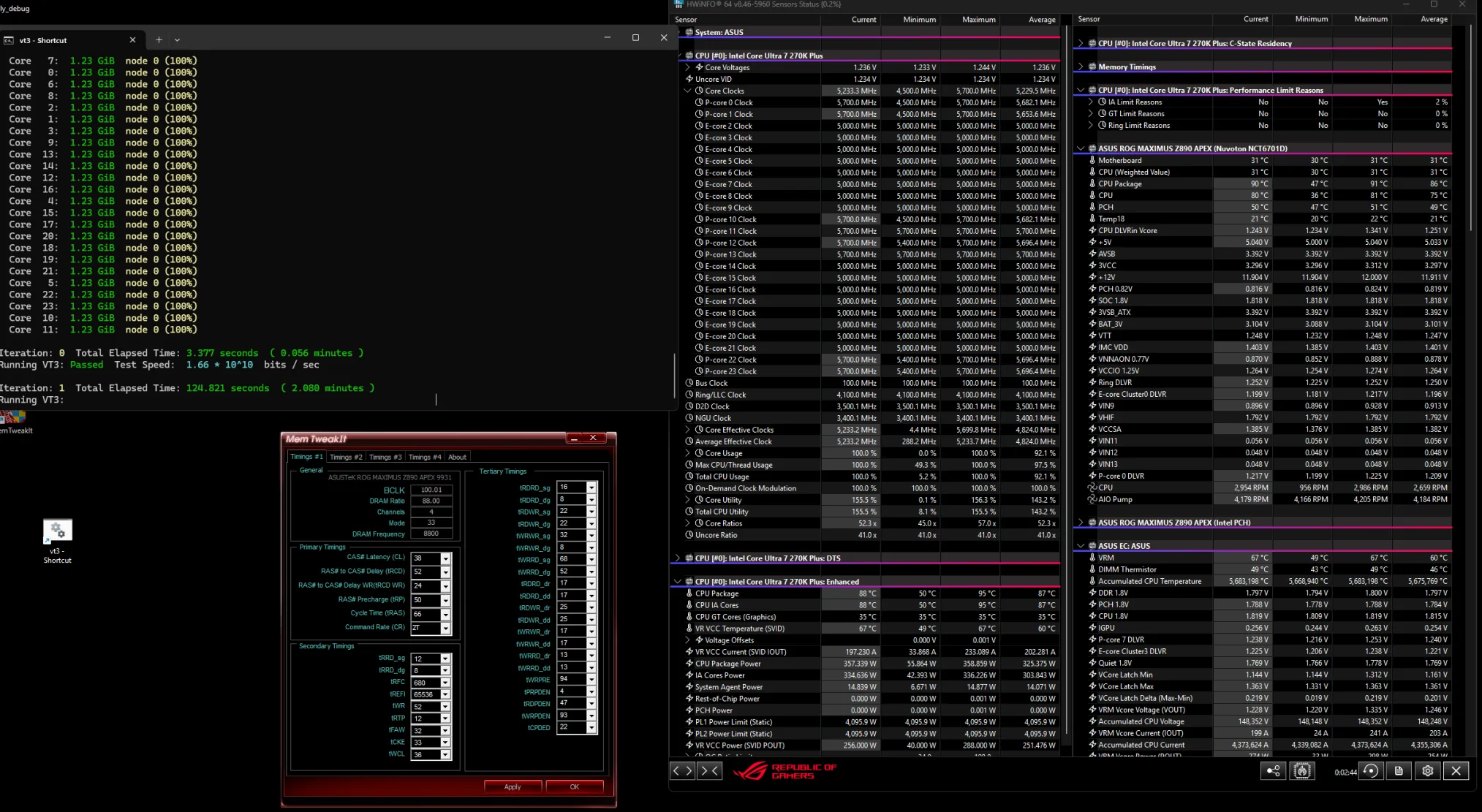
RAM Timing Work
We manually tune your RAM timings on DDR5 and DDR4 kits when your board and memory can handle it safely.
Windows Gaming Stack
Drivers, startup apps, overlays, game settings, and background junk — all cleaned up for stable gameplay.
Proof Before We Leave
You watch every change live. We benchmark at the end so you see the difference before the call is over.
PICK YOUR SERVICE.
Both services are live 1-on-1 optimization sessions. We connect through AnyDesk while you join us on Discord, tune your PC, validate stability, and test performance before the session ends.
Advanced Optimization
€30 / session
The complete Nos Tweaks PC optimization service without CPU, RAM, or GPU overclocking. We configure BIOS, Windows, drivers, startup, and game settings around your exact hardware while prioritizing everyday stability.
BIOS setup and relevant advanced BIOS settings
XMP or EXPO configuration and stability check
Intel 13th and 14th generation stability checks where applicable
BIOS update when required and supported
Clean Windows installation option or optimization of the existing installation
Driver configuration and Windows debloating
Startup and background-process optimization
NVIDIA or AMD graphics-driver configuration
Game-specific performance settings
Controller and USB latency configuration where supported
Network and latency-focused system settings
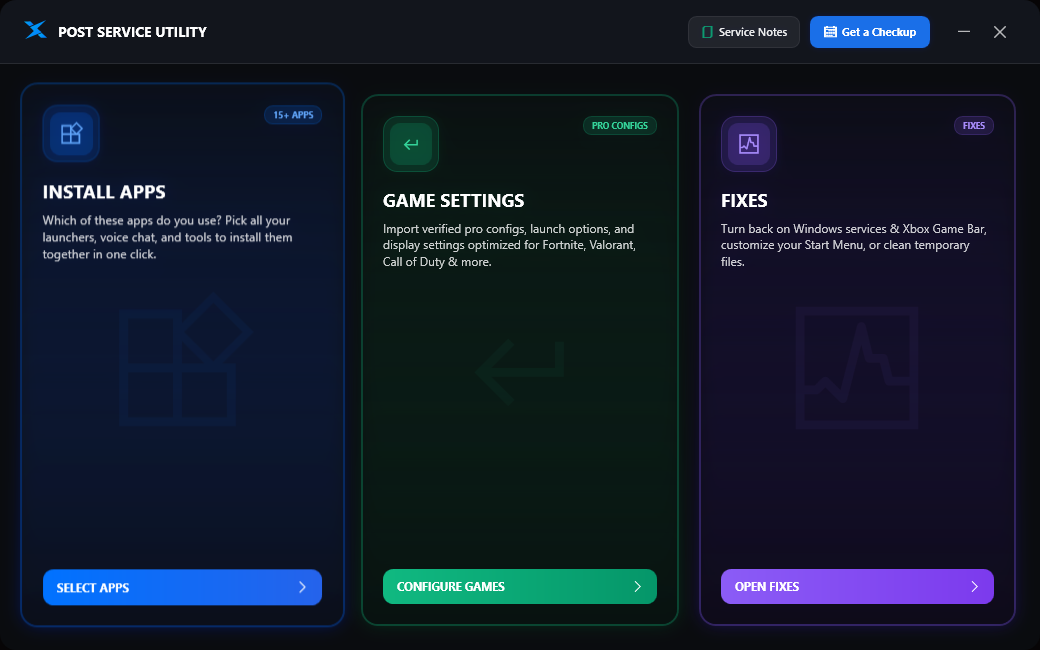
Post-service tools, configuration notes, and Windows settings
Before-and-after performance and stability report
7 days of follow-up support
Overclocking is not included in Advanced Optimization. All changes depend on hardware compatibility and system stability.
Secure checkout • Pay once, then choose your session time.
Priority
Competitive Optimization
€60 / session
Everything included in Advanced Optimization, plus deeper CPU, RAM, GPU, BIOS, and latency tuning for competitive players who want the most complete service their hardware can safely support.
Everything included in Advanced Optimization
CPU, RAM, and GPU profiling
CPU, RAM, and GPU tuning where supported
AMD PBO and Curve Optimizer configuration where supported
DDR5 tuning for supported Micron, Hynix, and Samsung memory kits
DDR4 timing configuration where supported
Intel CPU tuning with carefully tested voltage settings where supported
Intel 13th and 14th generation stability and voltage checks where applicable
GPU tuning, Afterburner configuration, and undervolting where appropriate
Advanced Windows, driver, network, and latency configuration
Game-specific competitive performance profile
Before-and-after benchmarks and stability validation
Detailed service report with configuration and support notes
14 days of follow-up support
Advanced tuning and overclocking are only performed when supported by the hardware and considered stable. Nos Tweaks does not guarantee a fixed FPS increase.
Secure checkout • Pay once, then choose your session time.
What We Touch
Frequently Asked Questions
Everything you need to know about our live 1-on-1 PC optimization sessions, latency reduction, safety protocols, and money-back guarantee.
We connect with you over a private voice call on Discord and remotely access your desktop using AnyDesk. You can watch every step on your screen in real time while we tune your BIOS, remove Windows telemetry, configure graphics drivers, and optimize per-game configurations.
ProcessStill have a question before booking?
Join our Discord community or reach out for a quick system hardware check.
DISCORD SUPPORT
Session scheduling, pre-booking questions, payment confirmation, and follow-up support are managed through the official Nos Tweaks Discord server. Join the server and open a private support ticket to speak directly with us.
Open a dedicated private channel for payment confirmation, PC details, scheduling, and support.
Join a private Discord voice channel during the optimization while we connect through AnyDesk.
Review stability, latency, and performance results before the live session is considered complete.